Google Calendar for time blocking: a practical comparison
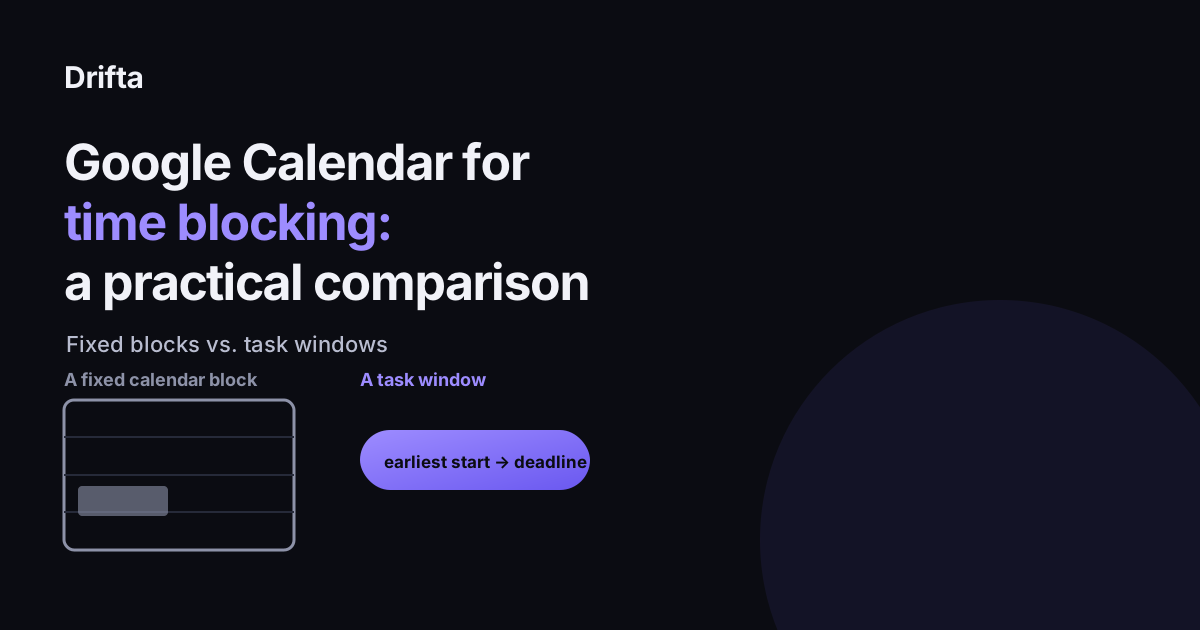
Google Calendar handles time blocking the way Cal Newport popularized it in Deep Work: you drag a task into an open slot and protect that slot like a meeting. It works well for fixed events but struggles with flexible tasks, since a dragged block has no memory of a task's real earliest start time or deadline, only the hour you happened to place it. A dedicated task list that tracks both, paired with a calendar for real appointments, tends to survive a bad day better than blocks alone.
How time blocking on Google Calendar actually works
The method is simple: instead of a bare to-do list, you drag each task into an open hour on your calendar and treat that hour as reserved, the same way you would protect time for a meeting. Author Cal Newport popularized this approach in his 2016 book Deep Work, and it has since shown up in outlets from the New York Times to Fast Company. Google Calendar is the tool most people reach for first, since it is already open on most phones and desktops, with over 500 million monthly users according to Google's own reporting on Workspace usage.
Where the blocks hold up
For a day that is mostly fixed, meetings, a doctor's appointment, a call at a set hour, dragging tasks into the remaining gaps works reasonably well. The calendar already shows what is taken, so a task dropped into what is left is unlikely to double-book anything. It is also visible to anyone who shares your calendar, which matters if a partner or coworker needs to see when you are unavailable.
Where they break for a flexible or interrupted day
The trouble starts once the day does not go as planned, which for most people is most days. A calendar block only stores one thing: the hour you put it at. It does not separately remember that the task could have started two hours earlier, or that it has real slack before its actual deadline. So when the 10am block gets bumped by a call that ran long, there is nothing left to consult except "move it somewhere else and hope," since the block itself never distinguished between "must happen at 10am exactly" and "just needs to happen sometime before Friday."
This gets worse once you count the cost of the interruption itself. In a widely cited 2008 study, Gloria Mark, an informatics professor at UC Irvine, found it takes about 23 minutes on average to fully return to a task after being pulled away from it. A calendar full of tightly packed blocks assumes zero recovery time between them, which is rarely how an actual day behaves.
Say Monday's plan blocks 9am to 10am for "write the proposal outline" and 10am to 10:30am for "reply to invoices." A call runs long and eats until 9:40am. The outline block is now twenty minutes shorter, the invoice block still starts at 10am because that is where it was dragged, and there is no record anywhere in the calendar that the outline actually had until Wednesday to get done. Everything after the call feels rushed, not because the day had too much in it, but because the one piece of information that would have said "this can wait" was never stored on the block in the first place.
Todoist and other task apps: same gap, different app
Todoist and similar task apps let you sync tasks into a calendar-style view, which looks like a fix but usually is not one. The task still gets represented as a slot at a specific hour rather than as a range with a real earliest start and a real deadline. Moving the slot later is easy; recovering the information about how much true slack the task had is not, because that information was never stored separately from the slot in the first place.
A fixed block versus a stored time window
| Calendar time block | Task time window | |
|---|---|---|
| What's stored | One hour, chosen when you dragged it | An earliest start time and a deadline |
| When it's moved | Old slack information is lost | Slack between start and deadline is still visible |
| Reminder timing | Fires at the block's start, regardless of readiness | Can fire once the window opens, not only at the deadline |
| Best for | Meetings and fixed appointments | Flexible, solo tasks |
A split system that keeps the calendar for what it's good at
The practical fix is to give each tool the job it is actually good at. Real events with another person attached stay on the calendar. Flexible tasks move to a list that can hold both ends of their real timing, not just one dragged hour. This is the specific gap Drifta is built around: a task can carry an earliest start time, a deadline, or both, and it stays quiet until its window opens rather than firing at whatever hour it happened to land on. A task marked non-negotiable can keep re-reminding every five minutes until it is done, which covers the rare task that genuinely cannot slip, without treating every task that way by default. For more on picking between a due date and a full window, see time windows versus due dates, and for why classic time blocking specifically struggles with ADHD estimation, see time blocking with ADHD.
A one week test
Keep Google Calendar exactly as it is for anything with a fixed hour and another person attached. For everything else, the loose, solo, movable tasks, write down an honest earliest start time and a real deadline instead of dragging them into whatever gap looks open. After a week, look at which list actually survived contact with an interrupted Tuesday: the calendar full of moved blocks, or the list that still knew each task's real range. For more on why a bare calendar under-represents time blindness in the first place, see what time blindness feels like and ways to make time visible.
Common questions
Is Google Calendar good enough for time blocking?
For fixed, single-day plans it works fine. It gets harder once a task needs to move, since Google Calendar treats a moved block the same as a rescheduled meeting, with no memory of the task's original earliest start time or deadline underneath it.
What is the difference between time blocking and a time window?
Time blocking assigns a task one specific hour on a calendar. A time window gives a task an earliest start time and a deadline, so it can happen anywhere between the two rather than only at the exact hour it was dragged onto.
Does Todoist do time blocking better than Google Calendar?
Todoist can sync tasks into a calendar view, but the block itself is still a calendar-style slot, not a stored earliest-start-and-deadline pair on the task. The same rescheduling problem shows up, just inside a different app.
Should I replace my calendar with a task app?
No. Calendars remain the right tool for events with a fixed time and another person attached, like a meeting or an appointment. The gap is flexible, solo tasks, which is what a task list with real time windows is built to hold.
This article shares practical organizing ideas. It is not medical advice. For diagnosis or treatment questions, talk with a qualified clinician.