A list maker that doesn't need daily upkeep
Drifta is an iPhone task app for ADHD that gives every task its own time window.
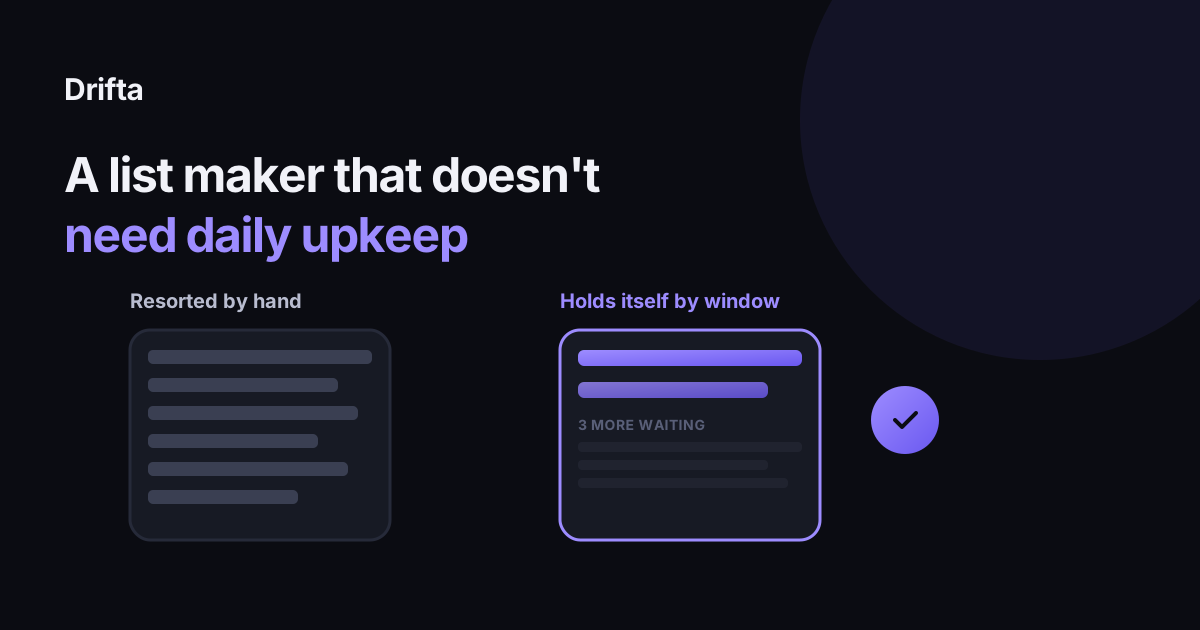
A list maker is any tool, paper or app, that lets you write items down and check them off. The simplest ones need daily resorting by hand to stay useful. A better list maker gives each item a time window so it stays out of view until it is actually relevant, which means the list holds itself current instead of needing a morning spent rebuilding it.
A list maker is any tool, paper included, that lets you write items down and check them off: a notes app, a sticky note, Apple Reminders, or a dedicated app like Drifta. What separates a good one from a frustrating one has less to do with the interface and more to do with whether the list stays accurate on its own, or needs you to resort it by hand every morning. Below is what that resorting actually costs, and what a list maker looks like when it avoids the problem with time windows instead of manual triage.
What does "list maker" actually mean?
At the simplest level, a list maker has two jobs: let you add something fast, and show you what is relevant right now. Most tools are good at the first job and weak at the second. A plain list, on paper or in a basic notes app, shows every item you have ever added in one undifferentiated column, so the thing due in six weeks sits at the same visual weight as the thing due in twenty minutes. Adding was fast. Sorting got skipped entirely, and now you do it by eye every time you look.
Why upkeep is the part that kills most list makers
Upkeep is usually the actual reason a list gets abandoned, more than any missing feature. Day-one retention for productivity apps averages 17.1%, dropping to 4.1% by day 30, according to Amra and Elma's 2026 mobile app retention report. That is a steep drop for tools whose entire purpose is staying open in daily life. The same report found that productivity apps with automated organizing features, rather than a flat list a person has to maintain by hand, reached a day-30 retention of 7.6%, nearly 85% above the category average. That gap tracks something simpler than feature count: whether the list still matches reality on day 30, or whether you have spent part of that day rebuilding it by hand.
A list that holds itself: windows instead of manual sorting
The fix is giving each item timing information once, at the moment you add it, instead of re-deciding its priority every day you look at the list. In Drifta, any task can get an earliest start time, a deadline, or both. The task stays quiet and out of your main view until that window opens, then it shows up and starts reminding you, with quiet hours silencing everything overnight. You set the window once. After that, the list sorts itself by time, and you stop having to look at fifteen items every morning and decide, again, which five actually matter today.
A worked example: the same five tasks, two ways
Say Monday morning you write down five things: call the dentist, renew a car registration that is due in three weeks, submit an expense report due Friday, buy a birthday gift for a party in ten days, and fix a leaky faucet with no real deadline. On a plain list, all five sit in one column starting Monday. Reading and mentally sorting that column takes a few seconds, but you do it again Tuesday, Wednesday, and every day after, which adds up to roughly five redundant reads a day for a week before most of those tasks are even due.
| Task | Plain list, Monday through Friday | Time window list |
|---|---|---|
| Registration (due in 3 weeks) | Visible and re-read all 5 days | Hidden until its window opens next week |
| Expense report (due Friday) | Visible and re-read all 5 days | Shows up starting Wednesday |
| Gift (due in 10 days) | Visible and re-read all 5 days | Hidden until a few days before the party |
| Faucet (no deadline) | Visible and re-read all 5 days | Sits in Backlog, off the daily view entirely |
| Call dentist (today) | Visible, same as the rest | Visible, same as the rest |
By Wednesday, the plain list still shows all five items with equal weight. The window-based version shows one or two, because the other three have not opened yet, which means there is nothing to sort by hand, only something to check.
How to make a list that does not need upkeep
You do not need a dedicated app to borrow the structure. Start with one place for everything, a Backlog or a single running note, where items can sit without needing attention. You did a brain dump. What to do with the list next covers that first sorting pass in more detail. From there, give only the items with a real near-term window a spot on a shorter list, the way a three list system split by time horizon moves items from later to soon to today as their actual urgency changes. On the days the list feels like too much regardless of the sorting, a low energy task list for bad brain days covers trimming even the visible list down further, which matters more on a day when reading five items feels like reading fifty.
When a plain list is still the right call
None of this means a plain list is wrong. A short grocery list, a packing list for a weekend trip, or a list with five items you will finish today does not need a time window, since there is no meaningful gap between adding the item and acting on it. Windows earn their keep specifically on a list that holds more than you can act on in the next hour, where the cost of reading everything every time starts to outweigh the two extra seconds it takes to set a start date once.
Common questions
What is the simplest way to make a list?
Write items down the moment you think of them, in one place you will actually reopen, without sorting as you go. Sorting happens later, in a separate pass; mixing capture and sorting into one step is what makes list-making feel like a chore instead of a quick note.
Why do I abandon every list app after a few weeks?
Usually because the list stopped matching what was actually due and needed a manual cleanup you kept putting off. A list that resorts itself by time window avoids that specific failure, since items you cannot act on yet never clutter the view you check every day.
Is a paper list maker better than an app?
Neither is universally better. Paper has no notifications and no sync, which some people prefer; an app can hide items until their window opens, which paper cannot do on its own. Pick based on which one you will actually keep reopening, not which one sounds more capable.
How many items should a list maker show me at once?
Only what you can act on today, which for most daily lists is well under ten items. Everything else belongs in a separate, larger holding list rather than scrolled past every time you check the main one.
This article shares practical organizing ideas. It is not medical advice. For diagnosis or treatment questions, talk with a qualified clinician.