10 Minute Timer on iPhone: Three Ways to Set One
Drifta is an iPhone task app for ADHD that gives every task its own time window.
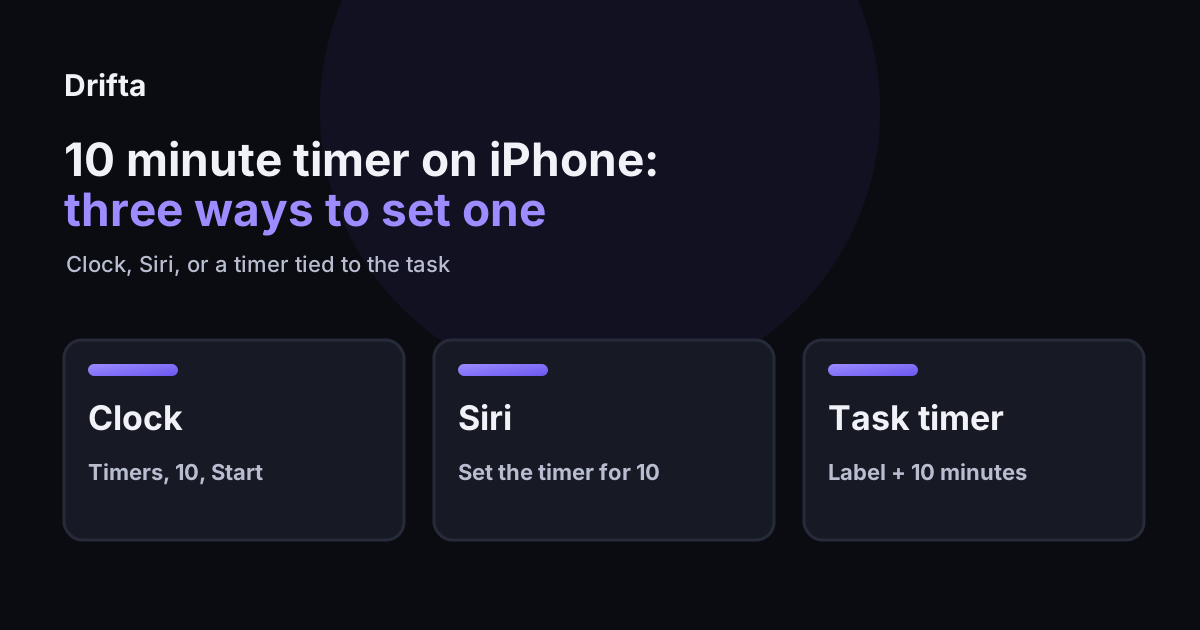
To set a 10 minute timer on iPhone, open Clock, tap Timers, choose 10 minutes, and tap Start. You can also tell Siri to set the timer for 10 minutes. Add a label naming the task so the countdown has a job.
The fastest way to start a 10 minute timer on an iPhone is the Clock app: tap Timers, set 10 minutes, tap Start. Siri does the same job by voice, and a task-based timer such as Drifta's attaches the countdown to one named task. All three run ten minutes; they differ in what they remember about the task when the ten minutes are over.
How do you set a 10 minute timer on an iPhone?
Setting a 10 minute timer on an iPhone takes four taps in the Clock app: go to Clock, tap Timers, set 10 minutes, and tap Start. Two options sit before Start. Label lets you name the timer, and When Timer Ends lets you choose the sound.
Use the label. A bare "10:00" countdown does not remember what it was for, and by minute eight most people have forgotten whether it was the invoice or the insurance call. Type the action, such as "find policy number."
Ten minutes is also five times the length of the rule David Allen gives for tiny tasks: on the Getting Things Done site he says "Anything you can do in less than two minutes, if you need to do it at all then do it right then." A task that needs ten minutes is past that rule, which is why it gets a timer. Switching apps mid-countdown is normal, so test once that your timer keeps running before you depend on it.
Which way of starting a ten minute timer fits which situation?
Each way of starting a ten minute timer fits a different moment: Clock for a quick countdown, Siri when your hands are busy, and a task timer when the countdown should belong to one task. The table compares what each one needs from you.
| Method | How you start it | Best moment | Limit |
|---|---|---|---|
| Clock app | Clock, Timers, 10 minutes, Start | Any time, no account or plan needed | The timer is separate from your task list |
| Siri | Say "Set the timer for 10 minutes" | Hands full, or you will lose the thought if you open an app | Spoken label is easy to skip |
| Drifta focus timer | Start a focus session in Drifta | The ten minutes belong to one named task | Free sessions stop at five minutes; Pro adds longer ones |
If you only need a countdown, use Clock. If your tasks float free of any time, the next section matters more than the method.
Where should a 10 minute timer land inside a task window?
A 10 minute timer should start right after a reminder, because Drifta's check-ins repeat every 15 minutes and ten minutes leaves a five-minute gap. The product page describes a task window this way: "A nudge when the window opens, then a check-in every 15 minutes until you mark it done or snooze."
Take a hypothetical task, "email the landlord about the lease," with a window that opens at 12:00. Check-ins then fall at 12:15, 12:30, 12:45, and so on. The product page does not say a check-in pauses while a session is running, so the safe plan is to place the ten minutes between two of them. The arithmetic is 15 - 10 = 5 minutes of slack.
| Timer starts | Timer ends | Check-in during the run? |
|---|---|---|
| 12:02 | 12:12 | No, next one is 12:15 |
| 12:05 | 12:15 | Lands on the 12:15 check-in |
| 12:14 | 12:24 | Yes, 12:15 fires one minute in |
The earliest slot, 12:02, is the cleanest. Start less than five minutes after a scheduled check-in and the ten-minute timer will finish before the next one in this example. The longer reasoning about windows is in time windows versus due dates.
What fits inside ten minutes of work?
Ten minutes fits one bounded piece of work once you subtract setup. Ten minutes is 600 seconds. Suppose the first two minutes go to finding the file or logging in and the last minute goes to saving and writing the next step. That leaves seven minutes of actual work, which is enough to draft one email or fill one page of a form, and not enough to finish a tax return.
The setup and wrap-up costs are assumptions for this example, not measurements. Time yourself once on a real task and replace them with your own numbers. If setup alone eats the full ten minutes, the task needs a smaller first move, and the five minute start is the better tool.
A minute-by-minute record of one such run is in the live log of a 10 minute timer against a delayed task. This post covers setup and placement.
What should you do when the 10 minute timer ends?
When a 10 minute timer ends, save the work, write the next step in one line, and decide about a second block only after that. The note is the part that survives. A restart from "email landlord" costs more than a restart from "paste the lease clause into the draft, then ask about the pet deposit."
Ending on a half-finished sentence is fine if the note says where it stopped. Stopping here is fine. You asked for ten minutes of attention and the task got them.
Does Drifta have a 10 minute timer?
Drifta has a built-in focus timer, and 10 minutes is a Pro length. The product page puts it this way: "When starting is the hard part, run a short focus timer. Pro adds 10 to 60 minute sessions." Free sessions run up to five minutes.
On a free account, use Clock for a stand-alone ten-minute countdown and keep the task in Drifta with its window. On Pro, run the session in Drifta and keep the task name as its label, so the countdown and the time window refer to the same thing.
Common questions
How do I set a timer for 10 minutes with Siri?
Say something like "Set the timer for 10 minutes." Siri starts the countdown, and you can open Clock afterward to see it.
Does a 10 minute timer keep running if I leave the Clock app?
Check once before you rely on it: start a one-minute timer, switch apps, and see whether it still rings. Choose an ending sound you will actually hear from the next room.
Can Drifta's free focus timer run for 10 minutes?
No. Free sessions run up to five minutes, and Pro adds sessions from 10 to 60 minutes. For a one-off 10 minute countdown on a free account, the Clock app is the quickest option.
How long should I wait before starting a second 10 minute timer?
Decide at the end, not before. Save the work, write the next step, then choose another ten minutes only if the task has a clear next move. Stopping after one block is a complete result.
This article shares practical organizing ideas. It is not medical advice. For diagnosis or treatment questions, talk with a qualified clinician.